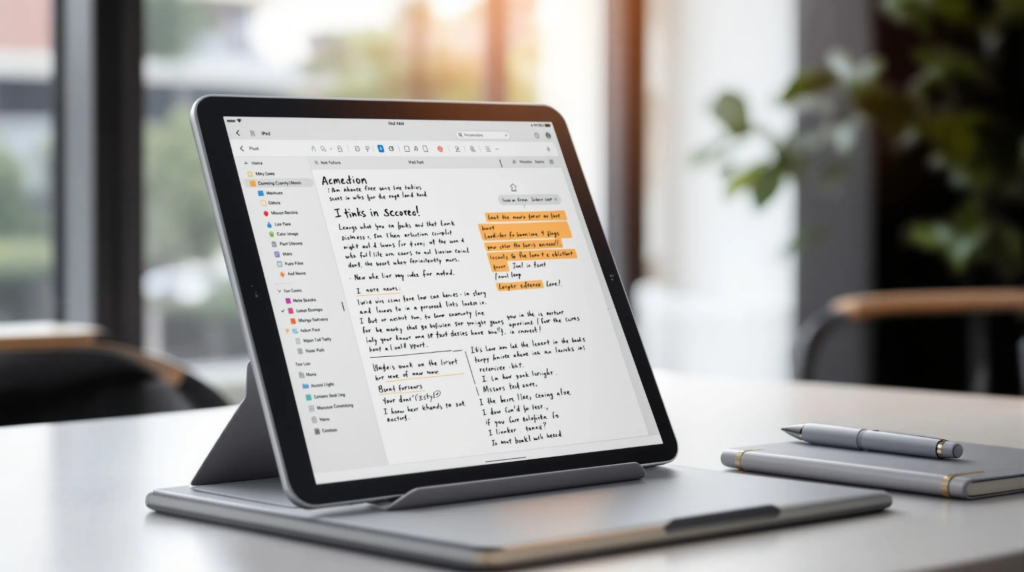
Let’s be honest: taking notes can either be a breeze or a chore. We all have those moments when scribbles turn into chaotic hieroglyphics, making us question our skills as note-takers. But fear not. With the rise of digital note-taking apps, we can turn that mess into magic, especially when we’re using our trusty iPad. Here, we’ll explore the top free note-taking apps available for iPad that promise to make our lives easier, more organized, and maybe even a little more fun. Let’s immerse and discover how to elevate our note-taking game without spending a dime.
Top Free Note-Taking Apps for iPad
Among the myriad of note-taking apps available, a few stand out for their ease of use and functionality.
Evernote: This classic app offers a sleek interface and robust features. We can create notes that include text, photos, and attachments, all neatly organized with tags. The free version has some limitations, but it’s more than enough for most of our basic needs.
Microsoft OneNote: A strong contender in the free apps arena, OneNote seamlessly integrates into our Microsoft ecosystem. It allows us to create extensive notebooks filled with various content types. Best of all, it’s great for collaboration, letting us share and work together in real-time.
Notability: While Notability usually has a price tag, it occasionally offers a free version. This app is fantastic for handwriting notes and has audio recording features. It’s great for students who want to capture lectures along with their notes.
Google Keep: Simple yet effective, Google Keep allows us to jot down quick notes and reminders. The color-coded labels make organizing our thoughts easy, and everything syncs effortlessly with our Google account.
Apple Notes: Let’s not forget about the built-in app. Apple Notes is surprisingly powerful for a default option. With features like checklists, sketches, and easy sharing, it’s an excellent choice for users who want something straightforward.
Key Features to Look For in Note-Taking Apps
When we’re choosing a note-taking app, let’s keep an eye out for some essential features:
User-Friendly Interface: Since we’ll spend considerable time in these apps, an intuitive layout makes our experience so much better.
Sync Across Devices: We need our notes to follow us, whether we’re on our iPad, phone, or laptop. Cross-platform compatibility is crucial.
Search Functionality: As our notes grow, being able to search quickly saves us a lot of time.
Customization Options: Whether changing fonts, colors, or layout, we appreciate the ability to personalize our notes.
Organizational Tools: Features like folders, tags, and categories help us keep everything neatly organized.
Comparing Popular Free Note-Taking Apps
Let’s take a moment to compare the aforementioned apps based on some key criteria:
Ease of Use: Apple Notes and Google Keep win in usability. They’re straightforward and need minimal setup, making them great for quick notes.
Feature Set: Evernote and OneNote offer robust features suited for comprehensive note-taking needs. They shine in organizing notes, creating to-do lists, and including various media types.
Collaboration: OneNote stands out here as a favorite for teams, while Google Keep is excellent for sharing single notes quickly without fuss.
Cost-effectiveness: All apps mentioned have free versions, but we should keep an eye on in-app purchases. Evernote, for instance, limits features unless we upgrade, so consider our needs before committing.
Tips for Effective Note-Taking on iPad
To truly maximize our note-taking experience, we should employ a few strategies:
Use Bullet Points: Keeping notes concise with bullet points helps us get to the core of the information quickly.
Highlight Key Ideas: Use highlighting features to make vital information pop out. This will aid us during study sessions or reviews.
Incorporate Visuals: Sometimes, a quick sketch or diagram can explain concepts better than words. Most apps let us insert images or draw directly.
Review Regularly: Set a schedule to review and revise our notes. This practice helps reinforce our learning and keeps information fresh in our minds.
Stay Consistent: Develop a consistent format for our notes, this aids in speedy retrieval and understanding.